Interior design photo editor
Interior design photo editor powered by AI.
Use DesignDraft as a photo editor for interior design ideas. Upload a room image, type the changes you want, and create concept previews for paint, decor, furniture, lighting, flooring, counters, fixtures, and remodel direction.
AI photo edits are concept previews, not product guarantees. Verify real products, colors, and dimensions before purchasing.
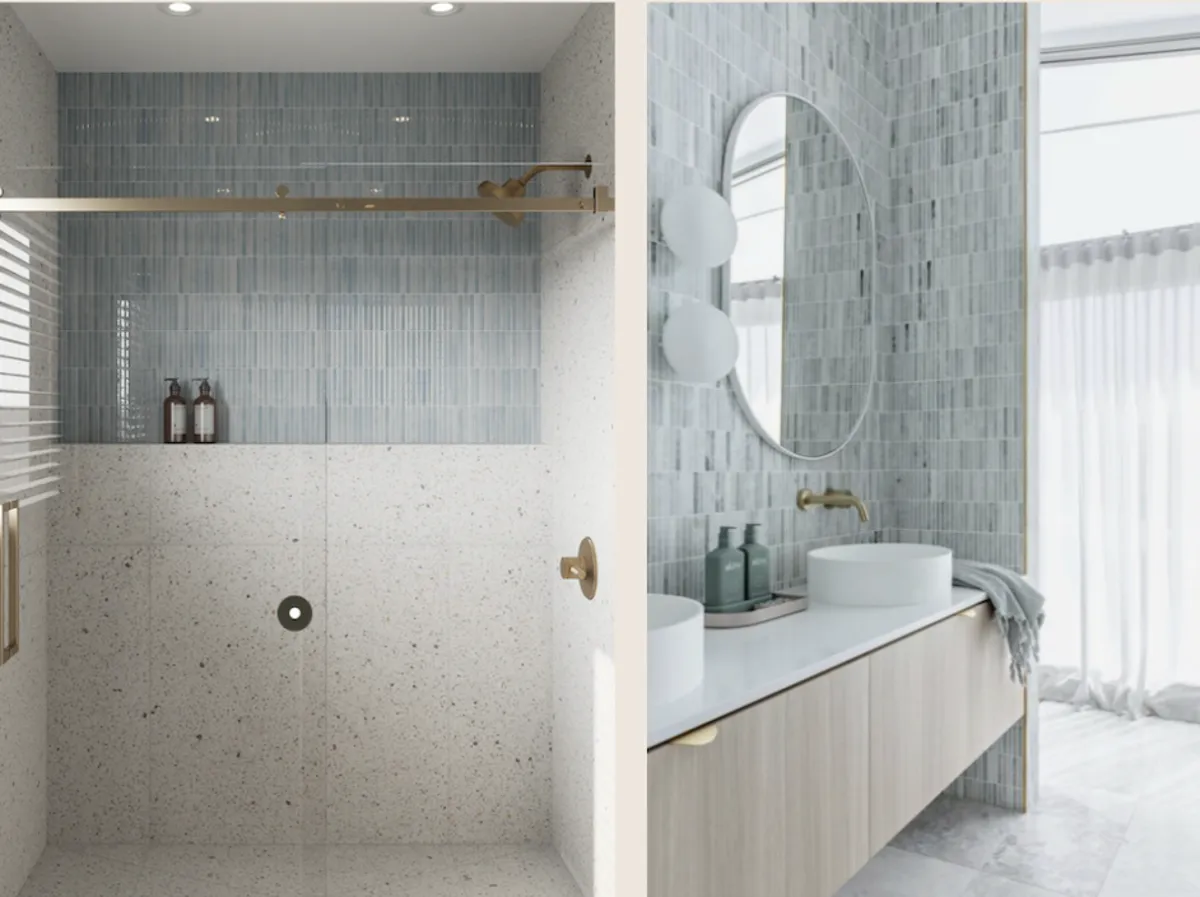
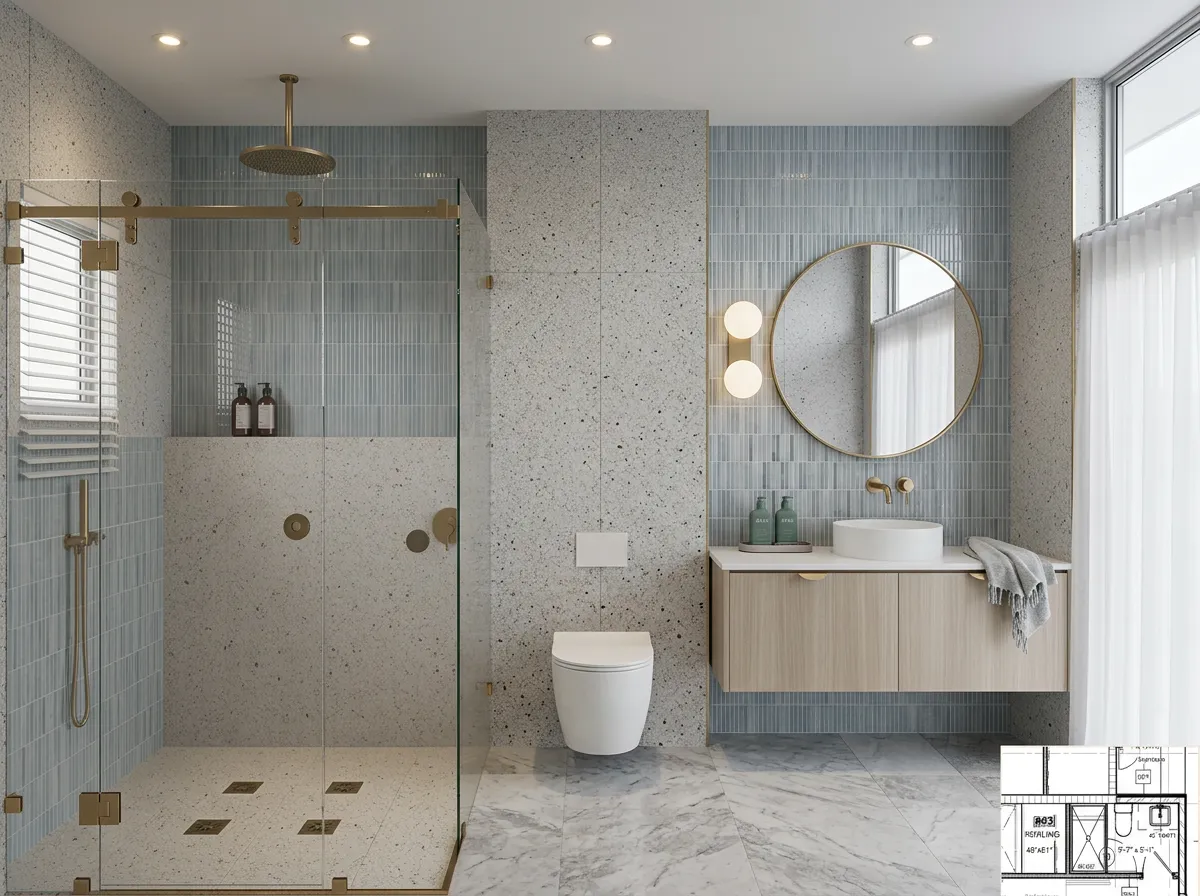
Edit by describing changes
No manual masking or layer work required. Describe the design edit in plain English.
Focus on materials
Preview paint, tile, flooring, cabinetry, counters, lighting, fixtures, and decor.
Keep the real context
Use your photo so the concept stays grounded in the existing space and perspective.
Workflow
A photo editor for design decisions.
DesignDraft turns interior photo editing into a prompt-driven workflow for early concepts and client conversations.
Upload the photo
Use a well-lit room image, detail shot, or project photo.
Tell it what to change
Name the finishes, fixtures, colors, furniture, or mood you want to preview.
Download or iterate
Save the best edit, then generate another direction if you want to compare options.
For quick visual mockups
DesignDraft is useful when you need an interior design mockup fast and do not want to spend time in complex photo editing software.
For professional workflow
Use generated concepts to support consultations, proposals, material discussions, and early client approvals.
Photo editing prompts
Tell the editor what to preserve and what to change.
Clear preservation instructions help the AI keep the room recognizable.
Choose the way you work
Use a monthly plan for recurring client work, or choose a one-time pack for a single project.
Need designs for one project?
Credit packs never require a subscription. Use them after your free monthly generations, or whenever you have a listing, remodel, or client preview to finish.
Starter Credit Pack
For a quick room, listing, or color decision.
Buy 10 creditsListing Credit Pack
For a property listing, remodel consult, or client presentation.
Buy 30 creditsStudio Credit Pack
For agents, contractors, and designers with recurring project work.
Buy 100 creditsFree
- 5 generations/month
- 1 active project
- Standard-resolution downloads
- No 4K downloads
- Limited generations
Pro
- 100 generations/month
- 4K downloads
- Unlimited projects
- Full history
- Shareable client links
Agency
- 250 generations/month
- 4K downloads
- Unlimited projects
- Shareable client links
- Up to 5 reference images
Cancel anytime. Plan changes are prorated by Stripe and take effect immediately.
Questions
Interior design photo editor questions
Related workflows
