Before and after interior design
Before and after interior design concepts from your room photo.
Upload a real interior photo and describe the transformation you want to see. DesignDraft turns early decorating, remodel, paint, flooring, furniture, and lighting ideas into visual before-and-after concepts you can compare before committing.
Concept visuals help decisions. Final measurements, materials, and construction details still belong with qualified professionals.
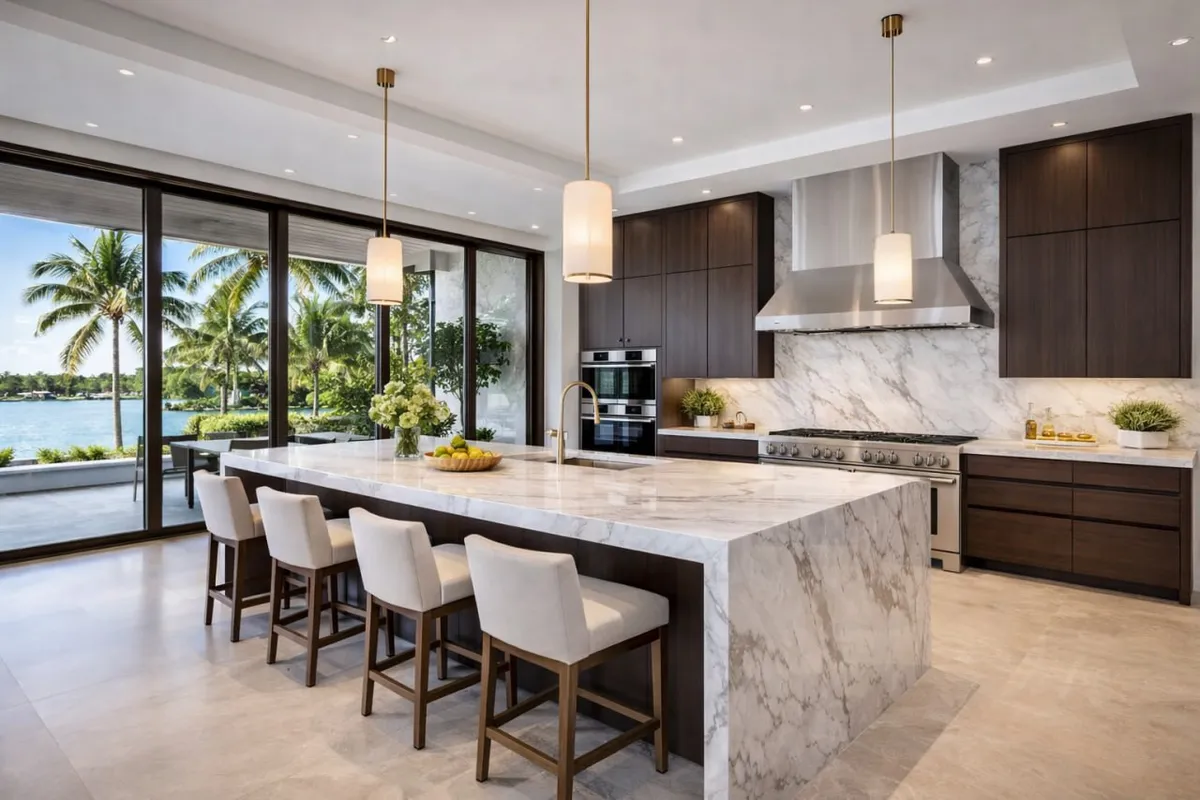
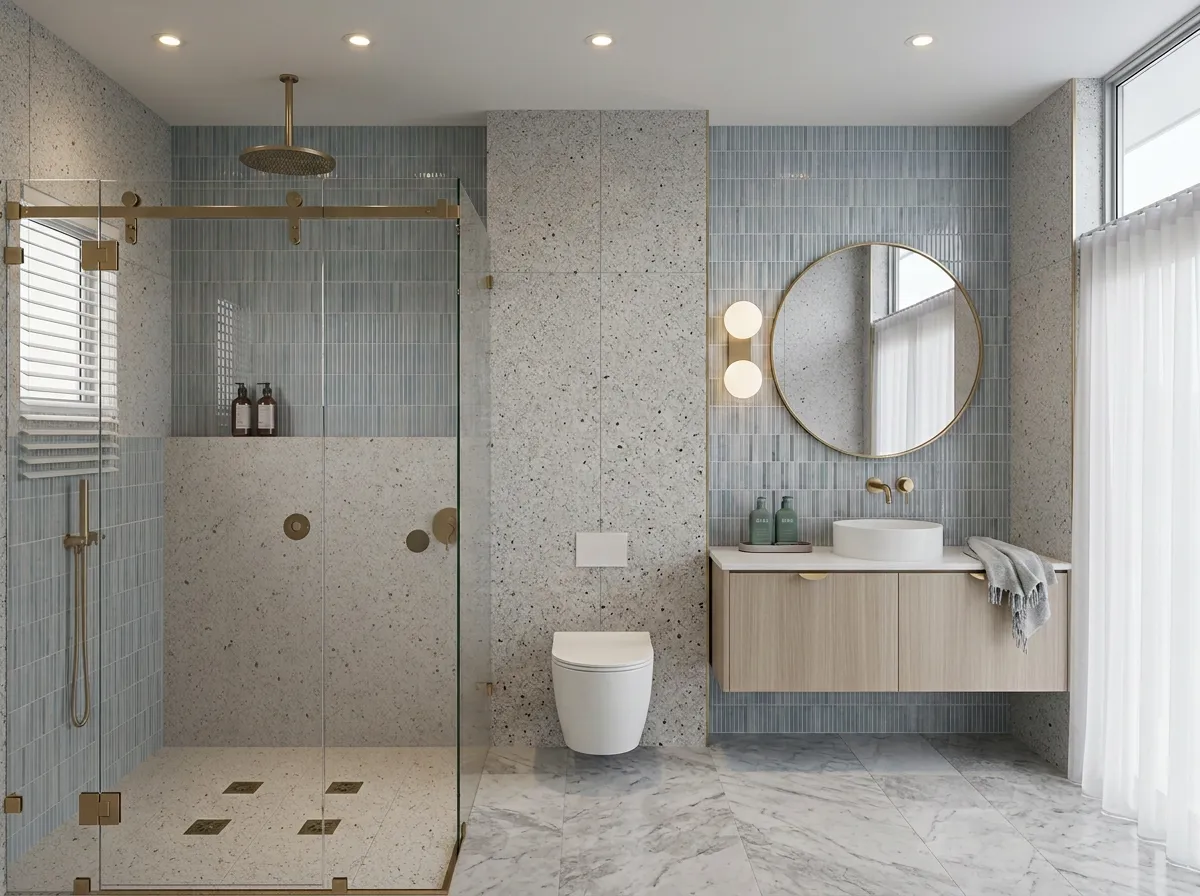
Show the transformation
Compare the original room with an AI concept so clients, family, or contractors can react to a visual direction.
Test finishes and color
Preview paint, flooring, cabinetry, counters, lighting, rugs, and decor before shopping or ordering samples.
Share before decisions
Use clear before-and-after concepts in consultations, planning conversations, and project approvals.
Workflow
A faster way to discuss interior changes.
DesignDraft is built for concept visualization from real photos, so the discussion starts with the actual space.
Upload the room
Start with a living room, kitchen, bedroom, bath, office, or any interior photo.
Describe the after
Ask for a style, finish, material, mood, layout direction, or specific design change.
Compare and refine
Generate alternatives until the direction is clear enough to plan, present, or price.
For homeowners
Avoid guessing from samples and mood boards alone. A before-and-after concept helps you see whether the direction feels right in your actual room.
For designers and contractors
Use quick visuals to shorten early discovery, align expectations, and show clients what a proposed change could look like before detailed drawings.
Prompt ideas
Before/after prompts to try.
Specific requests usually work better than broad style labels.
Choose the way you work
Use a monthly plan for recurring client work, or choose a one-time pack for a single project.
Need designs for one project?
Credit packs never require a subscription. Use them after your free monthly generations, or whenever you have a listing, remodel, or client preview to finish.
Starter Credit Pack
For a quick room, listing, or color decision.
Buy 10 creditsListing Credit Pack
For a property listing, remodel consult, or client presentation.
Buy 30 creditsStudio Credit Pack
For agents, contractors, and designers with recurring project work.
Buy 100 creditsFree
- 5 generations/month
- 1 active project
- Standard-resolution downloads
- No 4K downloads
- Limited generations
Pro
- 100 generations/month
- 4K downloads
- Unlimited projects
- Full history
- Shareable client links
Agency
- 250 generations/month
- 4K downloads
- Unlimited projects
- Shareable client links
- Up to 5 reference images
Cancel anytime. Plan changes are prorated by Stripe and take effect immediately.
Questions
Before and after interior design questions
Related workflows
